Create your store for cloud apps and digital goods
Storefront, payments, renewals and delivery are already built and running. Add your product — a subscription, key or archive — and take your first orders tonight.
Three problems every digital product maker knows — and how D-commerce removes them without months of building your own billing.
Without D-commerceWith D-commerce
Renewals by hand
Spreadsheets, calendar reminders, revoking expired access manually. One missed payment — and the customer either uses your product for free or leaves annoyed.
Renewals under control
The store reminds about payment, renews the subscription and closes access on non-payment. Customers renew from their cabinet; on paid plans subscriptions renew automatically.
Code and data in someone else’s cloud
Your product runs on a third-party platform, and you don’t know who sees the source code, customer data and payments.
Code and data stay with you
Deployer launches customer instances on your VPS; keys and archives are issued from the store’s inventory. Source code and data never leave your infrastructure.
Build everything from scratch
Storefront, gateways, cabinet, keys, referrals and copy — months of work before the first sale.
A ready sales contour
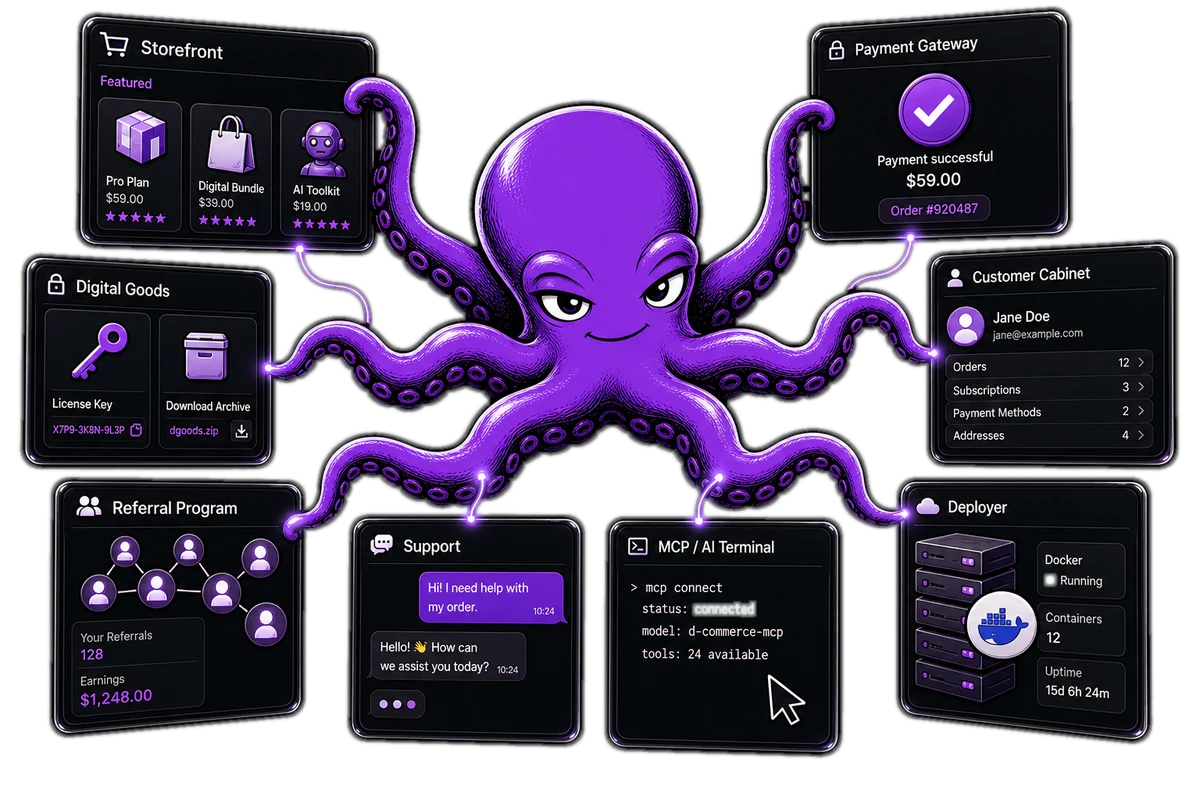
Storefront, payments, cabinet, digital inventory and support are already assembled and working together. Pick a plan, add your products — and sell. No home-grown billing required.
D-commerce features
Everything for selling and supporting digital goods — in one store, not a pile of disconnected services.
Storefront
Catalog and cart
Build a storefront from your offers: prices, periods, descriptions. The buyer sees all terms before paying — fewer questions, more completed purchases.
Payments
Gateways and renewals
The store accepts payments through gateways and reminds about renewals on time. Customers renew from the cabinet, and on paid plans subscriptions renew themselves.
Cabinet
Customer cabinet
Every customer gets their own cabinet: subscriptions, invoices, plan changes and support tickets. Nobody messages you asking “where is my access”.
Digital goods
Subscriptions, keys and archives
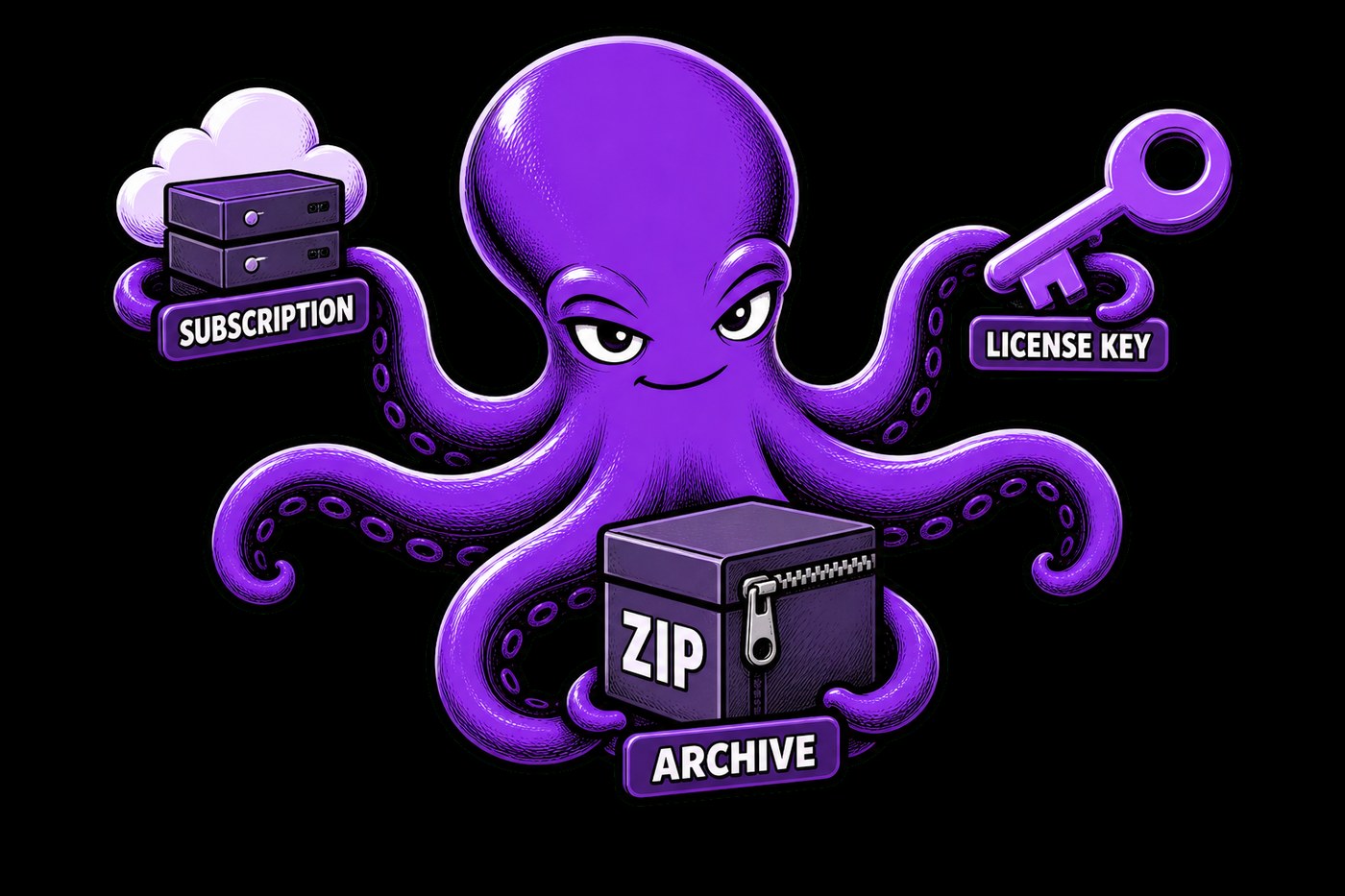
Three product types for different cases: a subscription deploys an instance of your app, keys and archives are issued from inventory. Delivery is always tied to payment status — unpaid access never goes out.
Growth
Referral program
Customers bring customers: the store counts credits and keeps the partner balance itself. The number of referral levels depends on the plan.
Support
Customer tickets
The buyer writes from the cabinet, your team replies in admin. The whole conversation history stays next to the customer and their purchases — context is never lost.
MCP
Tell the assistant — the store does it
MCP is built into the store and Deployer: Cursor, Claude or another AI client can run the catalog, payments, tickets and delivery on your VPS. Speak plainly — “add a ₽990 subscription”, “reply to that ticket”, “why wasn’t access delivered” — and the agent does it with your permissions. Setup takes about five minutes; the admin panel stays — you just hand off the routine.
Deployer
Delivery on your server
Deployer launches a dedicated instance for the buyer on your VPS — code and data stay with you. Via MCP the agent edits templates, reads logs and watches containers.
Who it’s for
Developers and product teams who want to sell digital goods — not build billing, a cabinet and delivery from scratch.
Indie and vibe-coders
Sell the product, not babysit the sales
Bots, panels, utilities, subscription apps. After the first customers, payments and access management start eating more time than the product itself. D-commerce takes that routine: storefront, payments and cabinet already work, and customer instances deploy to your VPS.
Schools and mentors
Graduates leave with a working store
A student doesn’t just submit a project — they take the product to real buyers while still studying. For the school that means live case studies and a strong results showcase instead of a folder of source code.
Small teams
Monetization without a billing hire
A startup of 2–8 people needs sales now — not next quarter, and not at the cost of hiring someone “for billing”. D-commerce is a flat monthly fee with no revenue share: the more you sell, the better the deal.
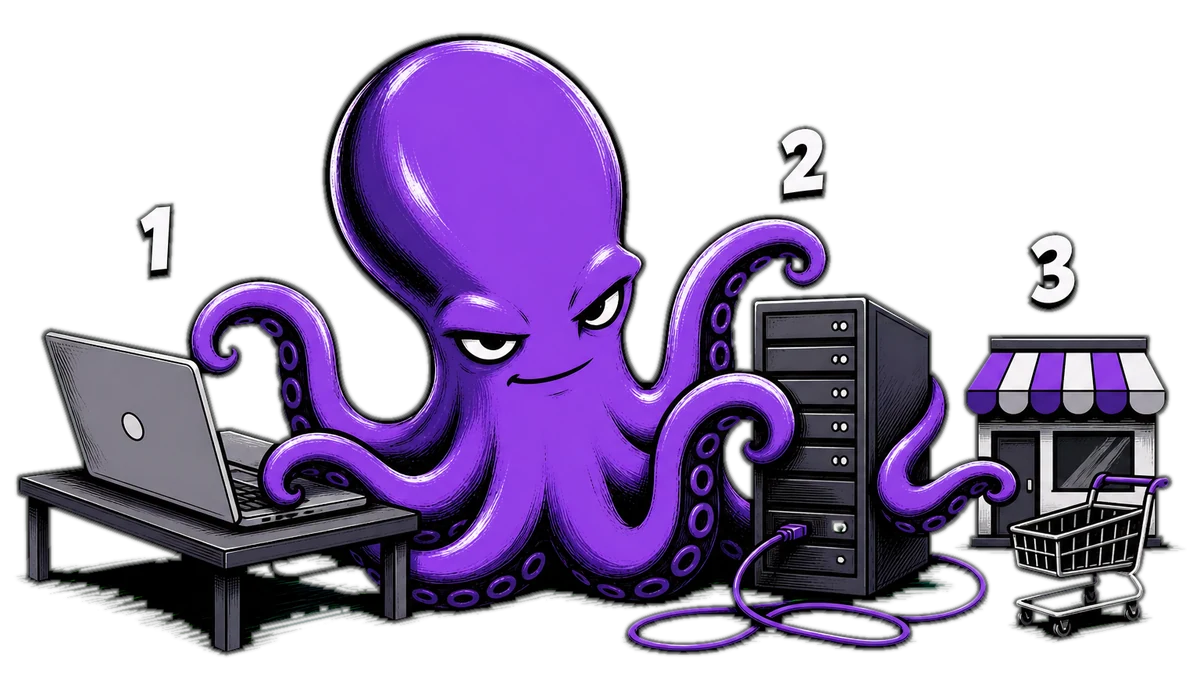
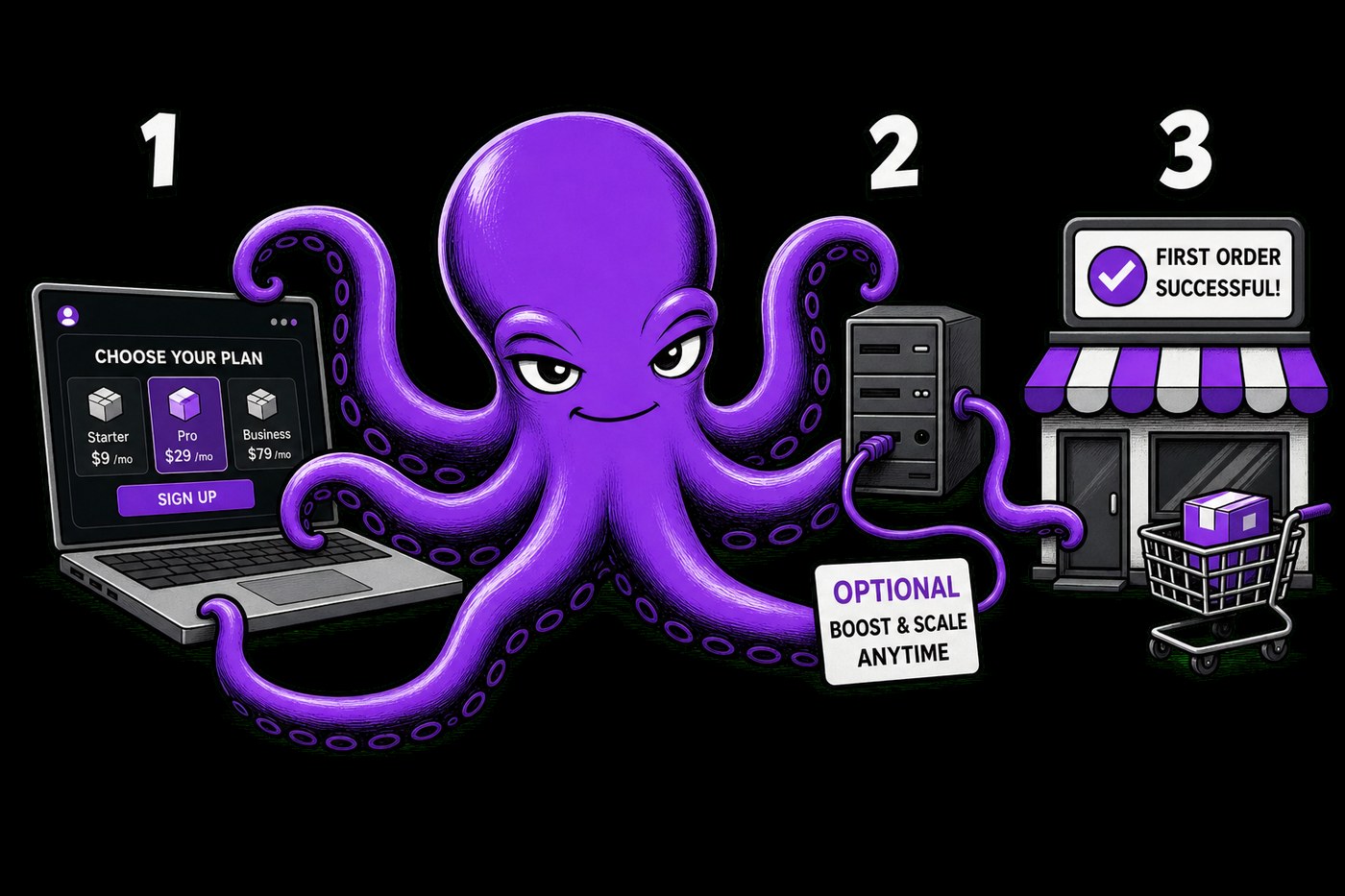
Three steps from a D-commerce plan to your first sales.
1
Pick a plan
Get Free or a paid plan and fill in the activation form. A few minutes later you have your own store with a storefront, payments and a customer cabinet.
2
Connect a VPS — if you need one
This step is only for those who sell their product as dedicated instances. The installer prepares the server and Deployer for you — following the Quick start.
3
Add products and verify delivery
Create a subscription, key or archive and place a test order. Upload keys and archives to the digital inventory in advance; link deployable products to your VPS. Once delivery works — you’re ready to sell.
FAQ
Answers about plans, VPS, MCP for the store and Deployer, autopay and access delivery. Longer write-ups are in the blog. If your case isn’t covered — write to us.
What is D-commerce and who is it for?
D-commerce is a ready-made store for digital goods, built for developers and product teams. The catalog can sell instance subscriptions, keys and archives. You configure the products; the store shows the storefront, accepts payments, runs the customer cabinet and delivers what the buyer paid for. More in “Why you need a cloud-app store”.
How are the store and Deployer related?
D-commerce handles the commerce: storefront, payments, cabinet, digital inventory and delivery rules. Deployer handles deployment: when a buyer needs a dedicated instance of your product, the store hands the task to Deployer on your VPS, which launches the instance. Keys and archives are issued from the digital inventory right after payment, no VPS involved. The full contour is in “How D-commerce works”.
Do I need to set anything up myself?
Depends on the product. For keys and archives it’s enough to configure the storefront and upload the goods to the digital inventory. For instance subscriptions you prepare a Docker image, a launch template and a VPS with Deployer once — basic Docker experience or a DevOps hand helps here. After that the store accepts payments and delivers automatically. Start here: “Your first sellable product in one evening” and “Subscription, key or archive”.
Does Deployer run on my server or yours?
On yours. Deployer installs on your VPS next to Docker. Source code, images and the data of running products stay on your infrastructure; D-commerce manages the commercial side: offers, payments and access delivery. Why the runtime stays with you — in “Your VPS, not our cloud”.
Can I manage the store and delivery with AI?
Yes. D-commerce has two MCP servers: one for the store (catalog, payments, tickets, cabinet) and one for Deployer on your VPS (templates, logs, containers). Issue a key in the settings, connect Cursor, Claude or another AI client — and the assistant handles tasks by plain request, while the admin panel stays for control. Context in “How D-commerce works”.
What’s in Free and when should I upgrade?
Free gives up to 10 successful payments per calendar month, a basic storefront and a customer cabinet — enough to validate an idea and serve the first customers. Start allows up to 50 successful payments a month, and autopay is available on paid plans. Base, Pro and Corporate differ in limits and features; the 14-day trial is only on Base. Details are in the plans.
What happens right after payment?
After purchasing a D-commerce plan you fill in the activation form and get access to your store and admin panel. Then you set up the storefront, add the first product and, if you sell instance subscriptions, connect a VPS. Step by step in “Your first sellable product in one evening”.
How fast does my customer get access after purchase?
A key or archive is issued right after successful payment. For an instance subscription the store queues a deployment on your VPS; it takes seconds to minutes depending on the image and server. The buyer sees the status in their cabinet. Product types compared in “Subscription, key or archive”.
How protected is the data — mine and my customers’?
Deployer only works with the containers of your store and never touches system or third-party ones. Deployed product data lives in a dedicated area on disk, and access to the API and admin is locked with keys, a password and a session. The VPS itself, backups and data compliance stay in the infrastructure owner’s hands — that is, yours. More in “Your VPS, not our cloud”.
Can I leave at any time?
Yes. You can cancel the subscription whenever you want — no further charges. Your data, Docker images and templates already live on your infrastructure, and Deployer is open and doesn’t lock you to one hosting provider. For refunds, write to support — each case is reviewed individually.
All that’s left is to pick a plan
Base gives up to 100 successful payments a month and a 14-day trial. Free — up to 10 payments at no cost, to test the idea. Questions — check the FAQ or write to us.
In D-commerce, three product types live on one storefront. These are not “three different stores” — they are three ways to deliver what the buyer paid for. Pick the wrong type at random and you either overcomplicate the start or under-sell what you already have.
Subscription — when you need a dedicated instance
A subscription fits when the buyer gets their own running cloud-app instance: a bot, a panel, a Docker service. The store takes payment and queues a deploy on your VPS. The buyer sees status in the cabinet; on non-payment, access closes by plan rules.
The most common fear for a digital product author: “if I plug in someone else’s store, where does my code go?” In D-commerce the answer is short: code and data of the running product stay on your infrastructure. The store owns money and access rules — not hosting your service in its cloud.
Two contours — one deal
D-commerce (the store) — storefront, payments, cabinet, key and archive inventory, tickets, renewals. It knows who bought what, and can say “issue” or “revoke access”.
The goal of the evening is not a “perfect architecture”. It is the first paid path: the buyer sees the offer, pays and gets access. Everything else can wait until tomorrow. That is what D-commerce is for: storefront, payments, cabinet and delivery are already assembled.
Step 1. Set up your store
Pick a plan. Free — up to 10 successful payments a month to validate the idea. Base — a 14-day trial and more headroom. Fill in the activation form and open the admin panel: you have a real store, not a “we’ll write billing someday” stub.