Product
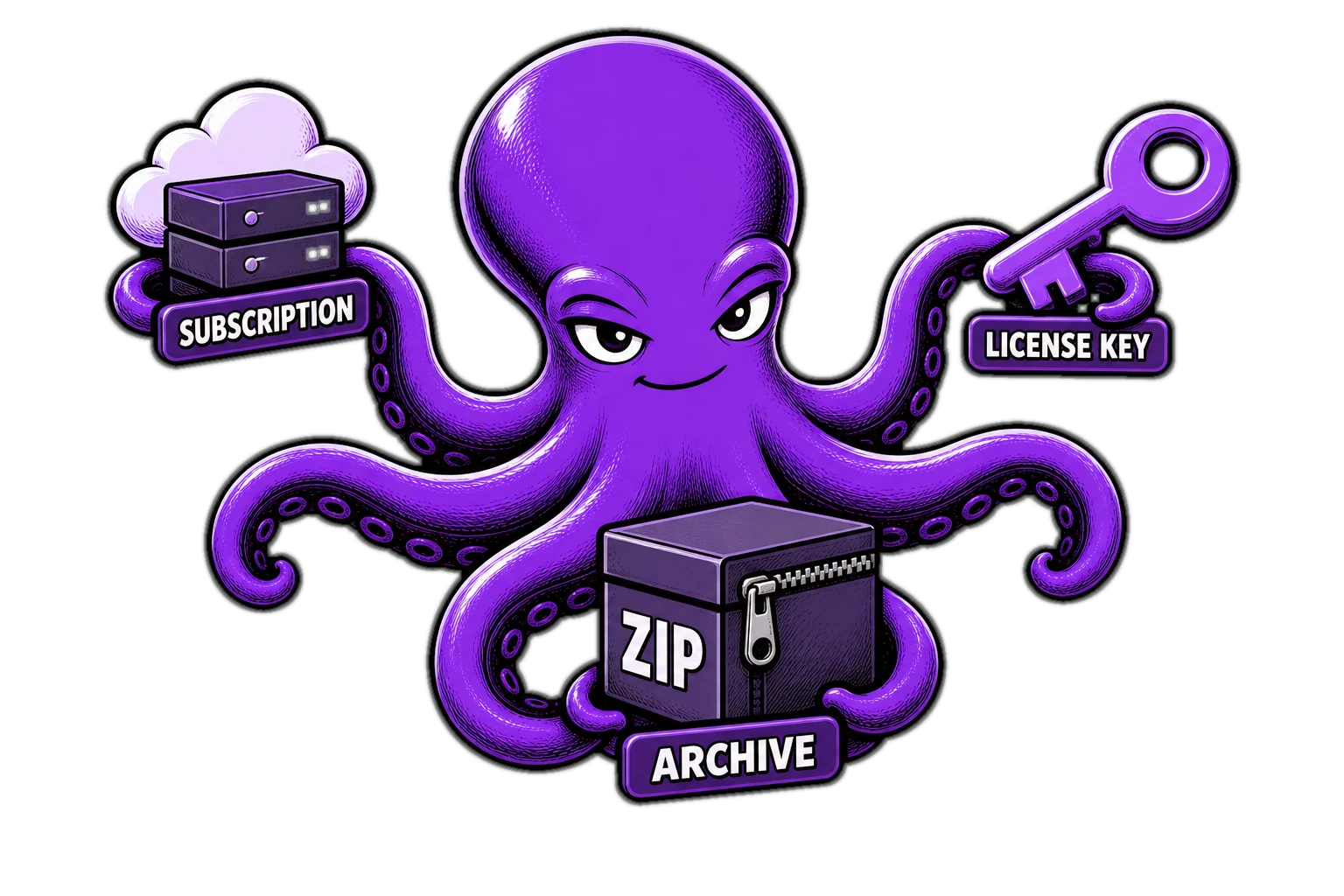
Subscription, key or archive: which product to choose
In D-commerce, three product types live on one storefront. These are not “three different stores” — they are three ways to deliver what the buyer paid for. Pick the wrong type at random and you either overcomplicate the start or under-sell what you already have.
Subscription — when you need a dedicated instance
A subscription fits when the buyer gets their own running cloud-app instance: a bot, a panel, a Docker service. The store takes payment and queues a deploy on your VPS. The buyer sees status in the cabinet; on non-payment, access closes by plan rules.
© D-commerce
read more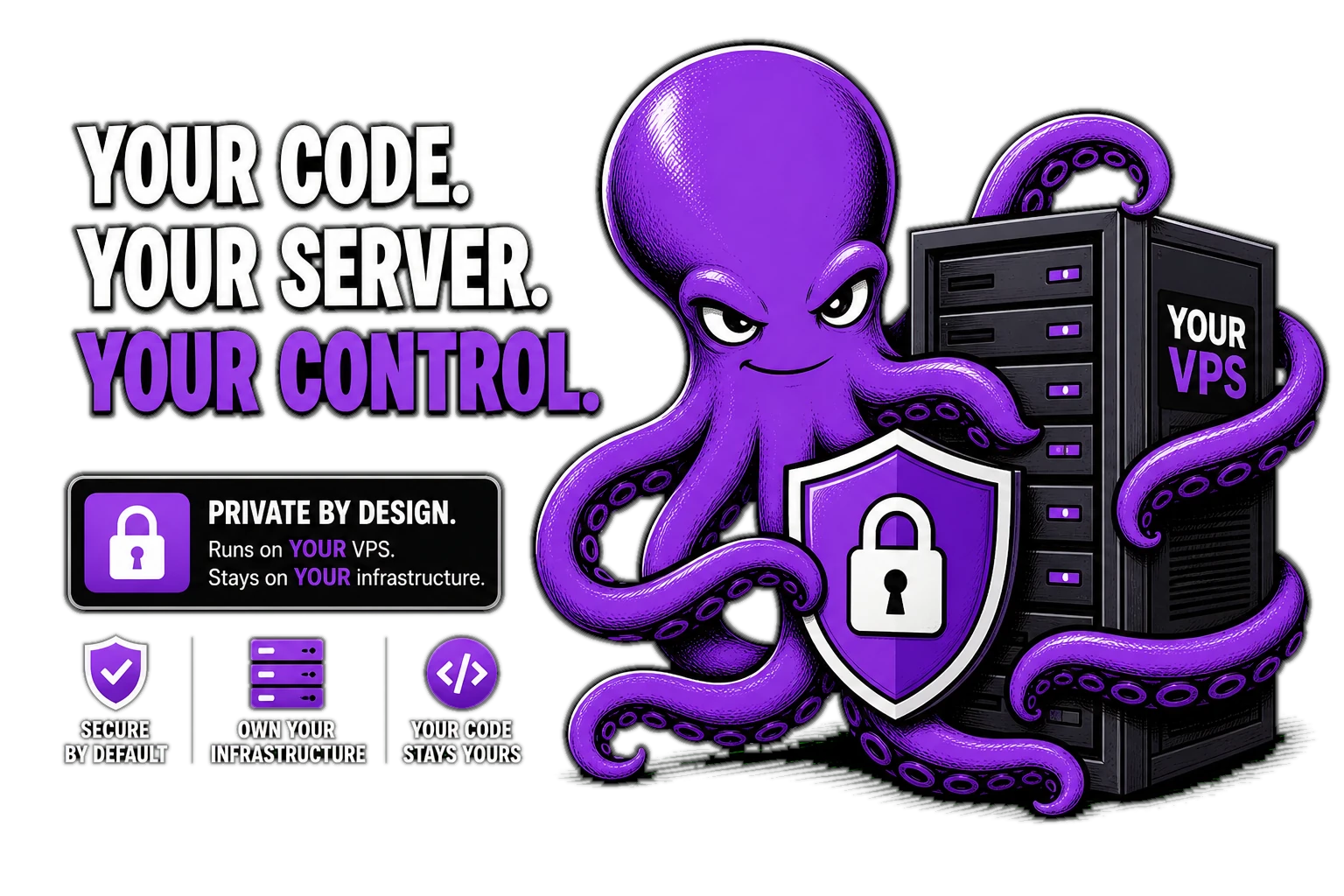
Your code and data stay with you: delivery on your VPS
The most common fear for a digital product author: “if I plug in someone else’s store, where does my code go?” In D-commerce the answer is short: code and data of the running product stay on your infrastructure. The store owns money and access rules — not hosting your service in its cloud.
Two contours — one deal
D-commerce (the store) — storefront, payments, cabinet, key and archive inventory, tickets, renewals. It knows who bought what, and can say “issue” or “revoke access”.
© D-commerce
read more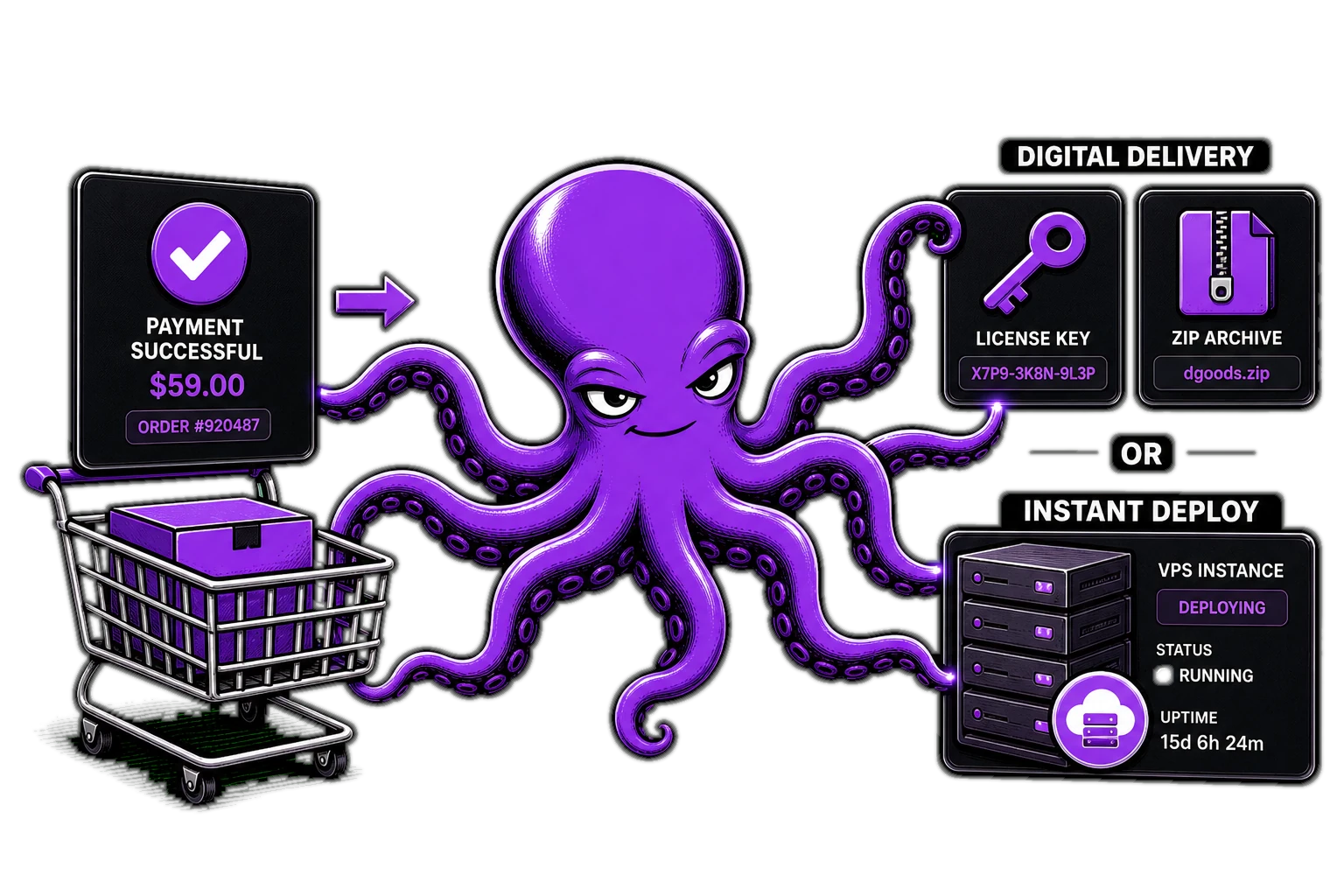
How D-commerce works: from payment to delivery
D-commerce looks like a store — and that is the point. The buyer sees the offer, terms and price before paying. After payment they land in a cabinet: subscriptions, invoices, plan changes, support tickets. Nobody messages you asking “where is my access”.
Three product types — one storefront
- Subscription — a dedicated instance of a cloud app for the buyer. The store takes payment and queues the deploy.
- Key — a digital code from inventory. Issued right after a successful payment.
- Archive — a file from inventory. Same rule: payment → delivery, no manual shipping.
Every type is tied to payment status: unpaid access never goes out.
© D-commerce
read more