
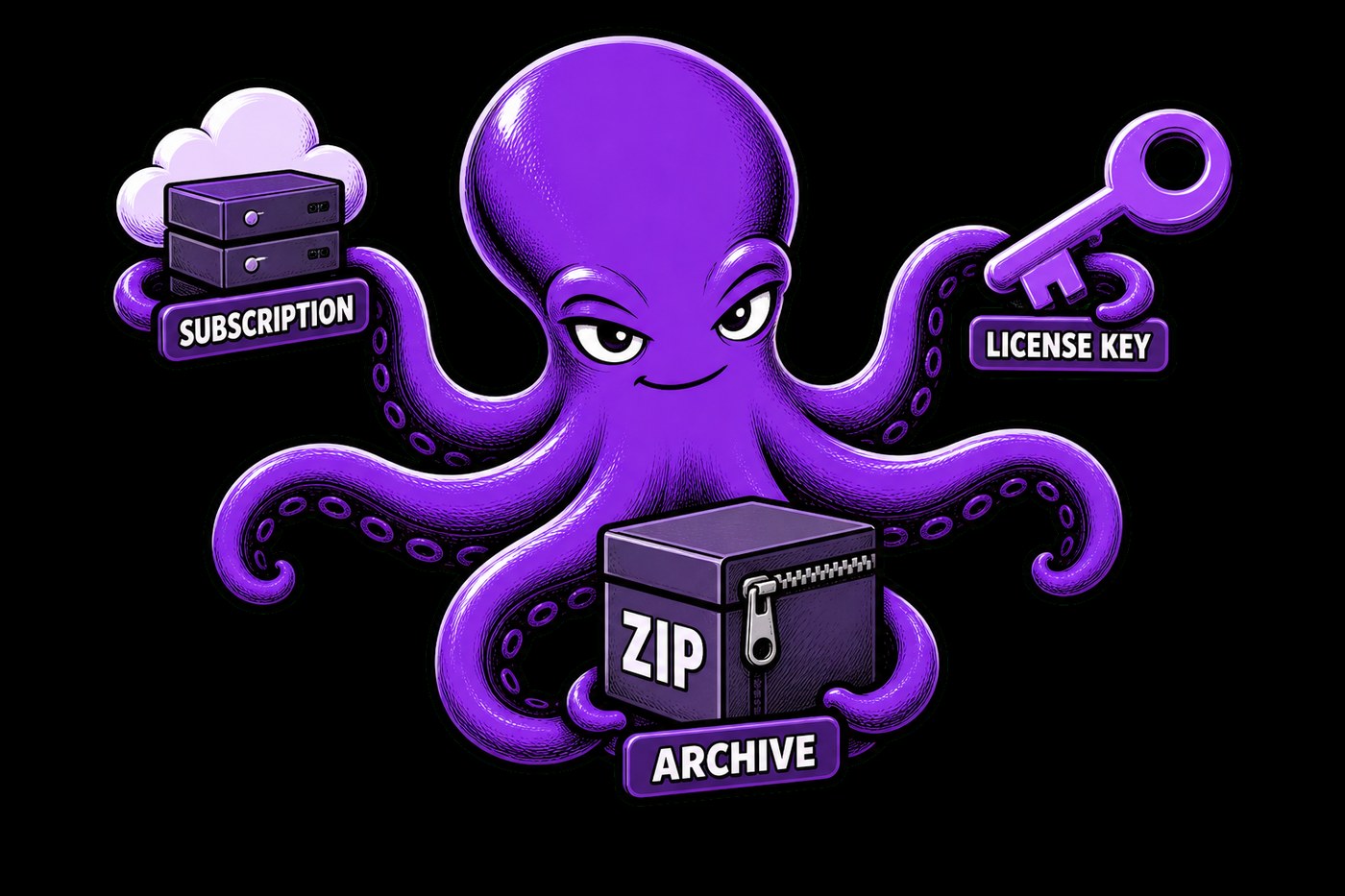
Subscription, key or archive: which product to choose
In D-commerce, three product types live on one storefront. These are not “three different stores” — they are three ways to deliver what the buyer paid for. Pick the wrong type at random and you either overcomplicate the start or under-sell what you already have.
Subscription — when you need a dedicated instance
A subscription fits when the buyer gets their own running cloud-app instance: a bot, a panel, a Docker service. The store takes payment and queues a deploy on your VPS. The buyer sees status in the cabinet; on non-payment, access closes by plan rules.
© D-commerce
read more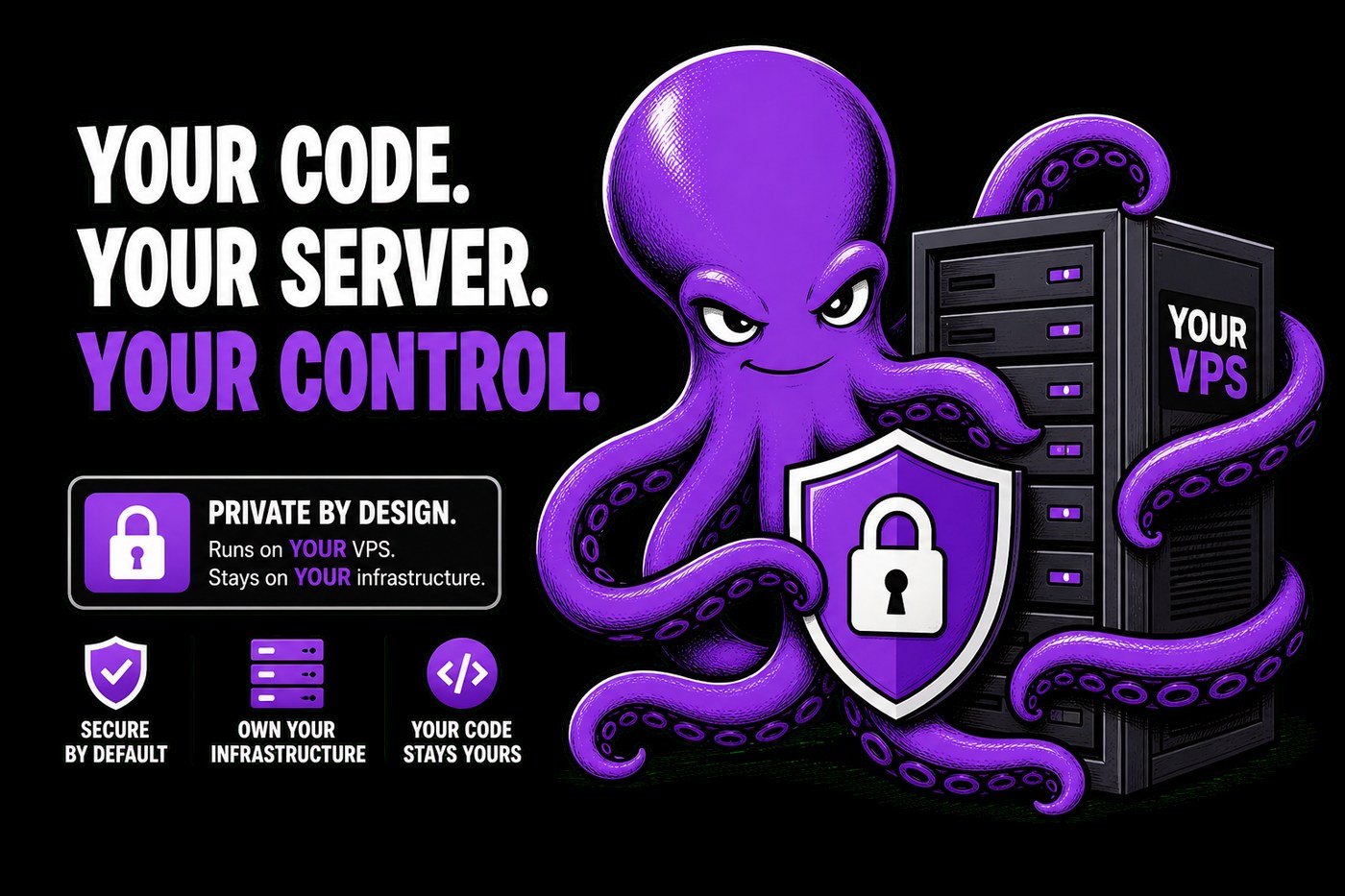
Your code and data stay with you: delivery on your VPS
The most common fear for a digital product author: “if I plug in someone else’s store, where does my code go?” In D-commerce the answer is short: code and data of the running product stay on your infrastructure. The store owns money and access rules — not hosting your service in its cloud.
Two contours — one deal
D-commerce (the store) — storefront, payments, cabinet, key and archive inventory, tickets, renewals. It knows who bought what, and can say “issue” or “revoke access”.
© D-commerce
read more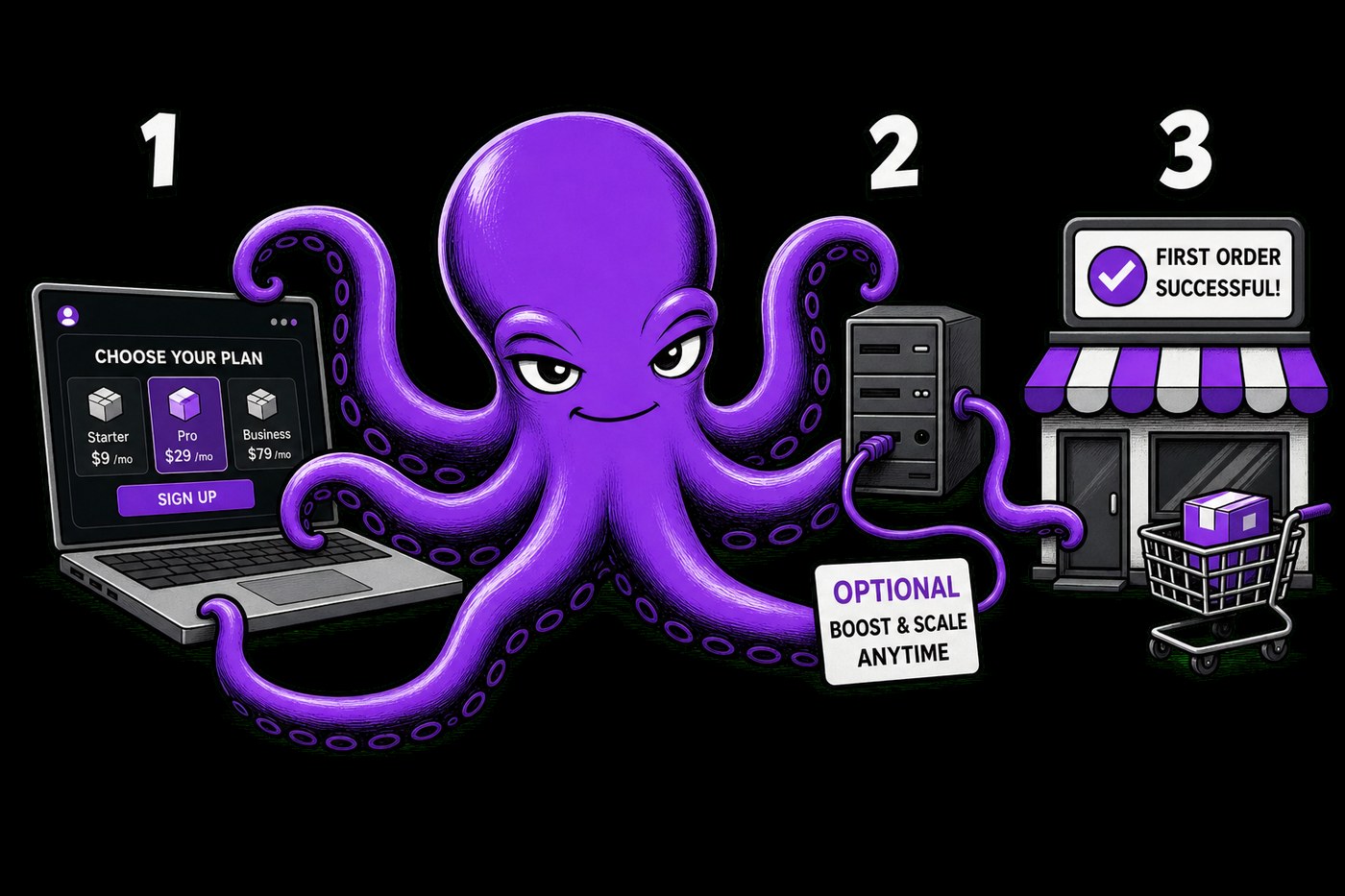
Your first sellable product in one evening
The goal of the evening is not a “perfect architecture”. It is the first paid path: the buyer sees the offer, pays and gets access. Everything else can wait until tomorrow. That is what D-commerce is for: storefront, payments, cabinet and delivery are already assembled.
Step 1. Set up your store
Pick a plan. Free — up to 10 successful payments a month to validate the idea. Base — a 14-day trial and more headroom. Fill in the activation form and open the admin panel: you have a real store, not a “we’ll write billing someday” stub.
© D-commerce
read more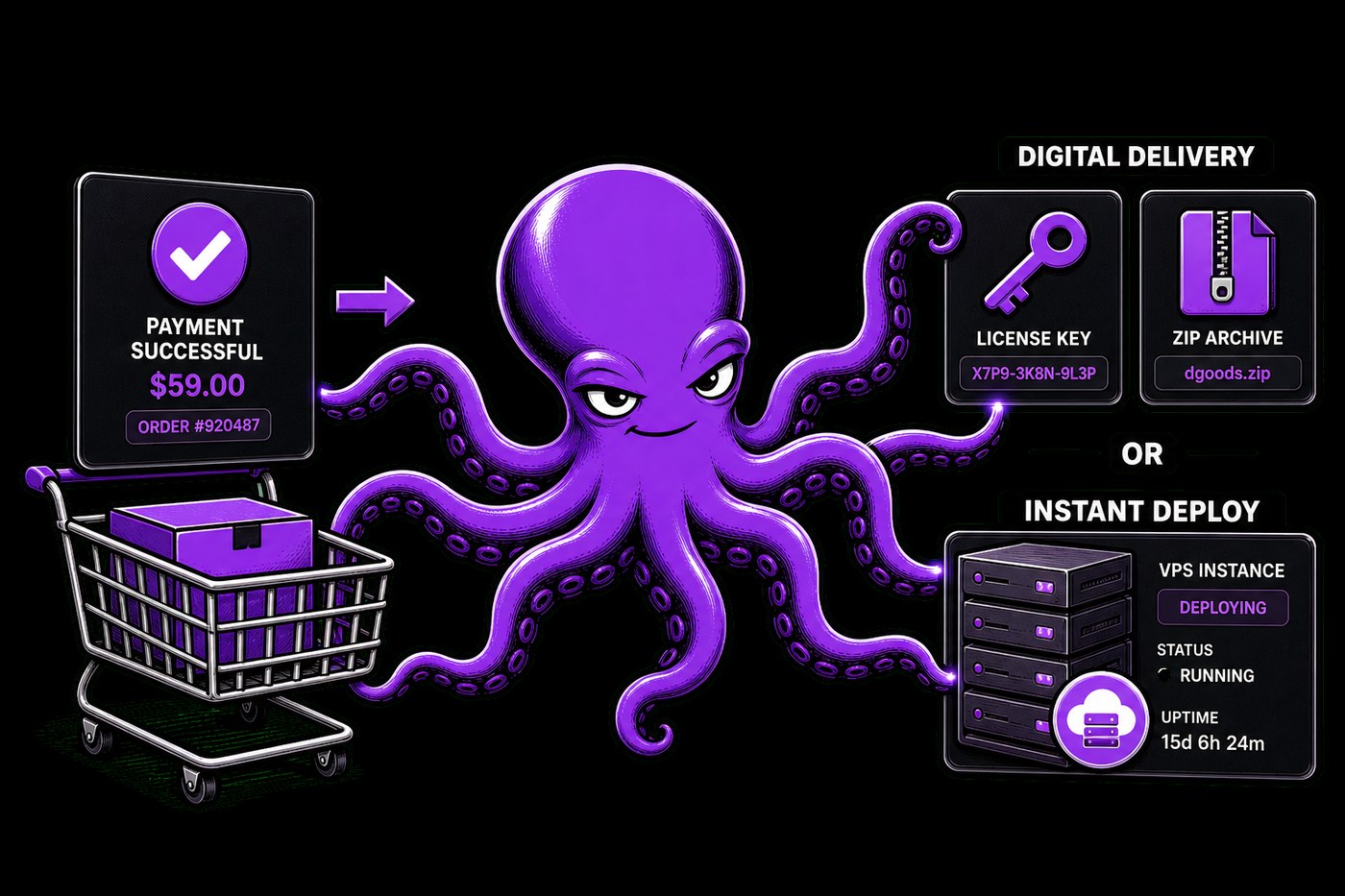
How D-commerce works: from payment to delivery
D-commerce looks like a store — and that is the point. The buyer sees the offer, terms and price before paying. After payment they land in a cabinet: subscriptions, invoices, plan changes, support tickets. Nobody messages you asking “where is my access”.
Three product types — one storefront
- Subscription — a dedicated instance of a cloud app for the buyer. The store takes payment and queues the deploy.
- Key — a digital code from inventory. Issued right after a successful payment.
- Archive — a file from inventory. Same rule: payment → delivery, no manual shipping.
Every type is tied to payment status: unpaid access never goes out.
© D-commerce
read more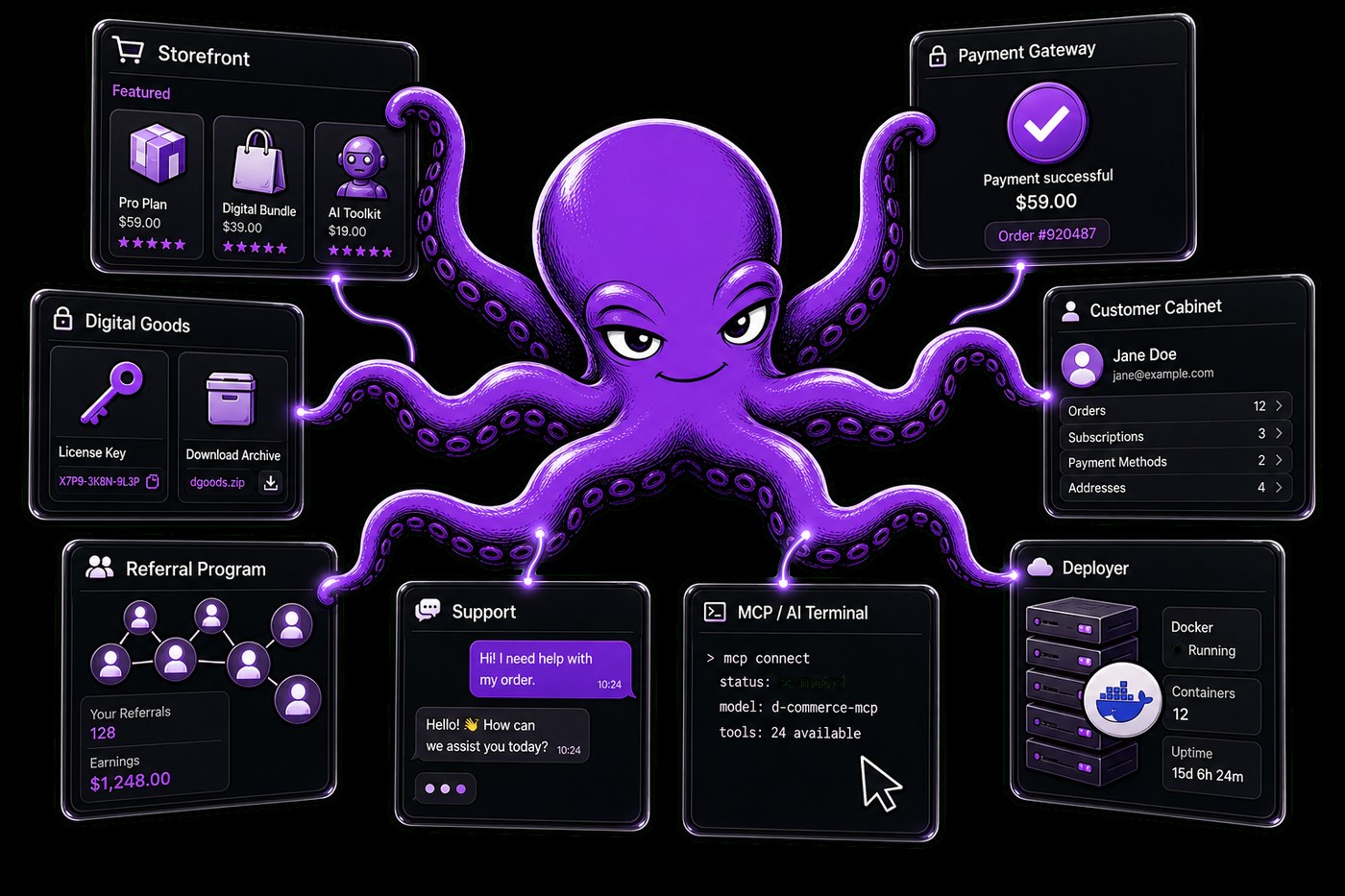
Why you need a store for cloud apps
Building a bot, a panel or a service is only half the journey. The other half starts when the first buyers appear: someone paid, someone is overdue, someone needs access “right now”. With a handful of customers that is tolerable. Past that point, sales eat more time than the product itself.
The pain people underestimate
It is not “no storefront”. It is no system. Calendar reminders, keys in a spreadsheet, access in chat, renewals by gut feeling. One missed payment — and the customer either uses your product for free or leaves annoyed. That is when digital product makers stop looking for another website builder and start looking for a ready sales contour.
© D-commerce
read more